Most "over the counter" interpolation
methods like bicubic spline will work fine for small to medium size prints.
Fact is, if you have a 6 MP or larger image and you never print beyond 8x10
inches, you may not see (or need) more than the bicubic interpolation found in
your image editor. But what if you crop your image? What if you want
to print one photo at 24x36 inches or beyond? For these more demanding
tasks that require more extreme resampling, you need a "prescription strength"
interpolation algorithm like the new Fusion interpolation found in Qimage
Ultimate. Only Qimage Ultimate offers interpolation of this quality and
speed.
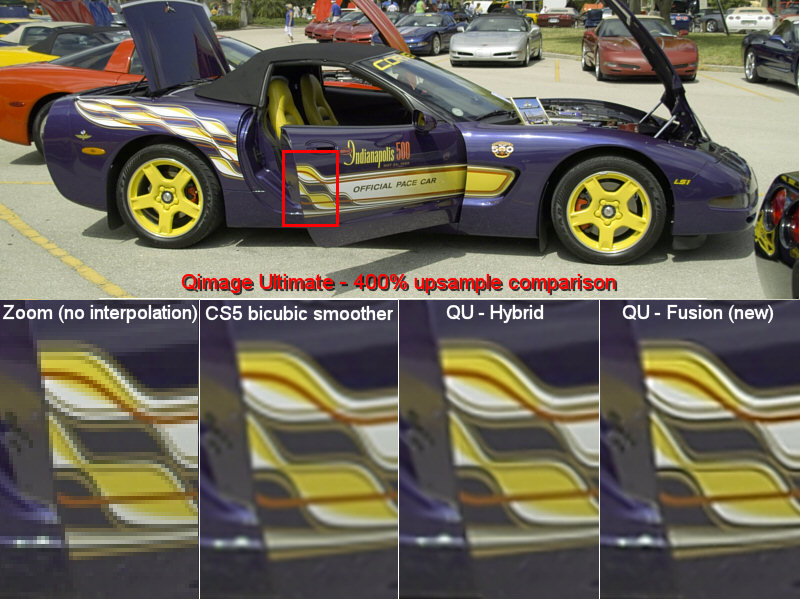
As always, give Qimage Ultimate a try
and see for yourself.
